
The Importance of Considering Stored Presentations in Electronic Presentation Creation
Posted by SkillMaker in Jan, 2025
What is a concise description of stored presentations in electronic presentation creation?

Stored presentations, in the context of electronic presentation creation, refer to the process of saving and organizing presentation files in a digital format. This ensures that presentations are accessible, secure, and can be easily retrieved and reused whenever necessary. Proper storage facilitates better management of presentation assets and consistency in presentation delivery.
Why do people in enterprises need to consider stored presentations in electronic presentation creation?
Enterprises need to consider stored presentations in electronic presentation creation to enhance collaboration, ensure data security, and maintain brand consistency. Stored presentations allow team members to access and edit presentations remotely, fostering teamwork and efficiency. Proper storage also prevents data loss and helps maintain a controlled access to sensitive information. Furthermore, using standardized templates and design elements ensures that all presentations reflect the company’s brand identity consistently.
“Effective management of stored presentations enhances collaboration and ensures corporate coherence in presentation delivery.”
What are the key components or elements of stored presentations in electronic presentation creation?
Key components of stored presentations in electronic presentation creation include:
- File Organization: Structured folders and naming conventions for easy retrieval.
- Version Control: Tracking changes and maintaining multiple versions.
- Security measures: Restricted access and encryption for sensitive presentations.
- Cloud storage: Remote access and collaboration capabilities.
- Backup systems: Regular backups to prevent data loss.
What key terms, with descriptions, relate to stored presentations in electronic presentation creation?

Registered Trademark®
- Cloud Computing: Using internet-based services to store and access data.
- Encryption: Protecting data by converting it into a code.
- Version Control: Managing changes to documents or code.
- File Management: Organizing and storing data files systematically.
Who is typically engaged with operating or implementing stored presentations in electronic presentation creation?
Employees such as presentation specialists, IT personnel, marketing coordinators, and administrative staff are typically involved in operating or implementing stored presentations. They are tasked with creating, organizing, updating, and securing presentation materials, ensuring that stakeholders have access to accurate and up-to-date presentations.
How does stored presentations in electronic presentation creation align or integrate with other components of Businesses in Australia?
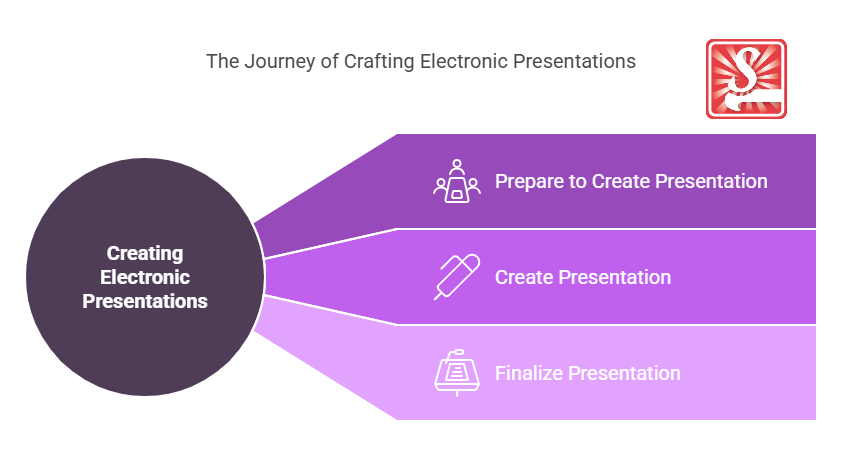
Stored presentations align with other business operations by integrating with communication platforms, project management tools, and customer relationship management systems to ensure coherence in messaging and branding. They serve as a repository of knowledge and aid in training, marketing, and sales activities, enabling a seamless workflow across various business functions.
Where can the student go to find out more information about stored presentations in electronic presentation creation?
What job roles would be knowledgeable about stored presentations in electronic presentation creation?
Roles include:
- Presentation Designers
- IT Support Specialists
- Marketing Coordinators
- Administrative Assistants
- Training Facilitators
What are stored presentations in electronic presentation creation like in relation to sports, family or schools?

Like a well-organised sports team strategy, stored presentations require careful planning and execution for a successful performance. In a family context, it’s akin to keeping photo albums or important documents well-catalogued for future use. In schools, it parallels maintaining an archive of teaching resources and past lesson plans for educational continuity and enhancement.
(The first edition of this post was generated by AI to provide affordable education and insights to a learner-hungry world. The author will edit, endorse, and update it with additional rich learning content.)
- About the Author
- More info

Workskill training for all

 Post Tagged with