
Task Requirements When Creating Electronic Presentations
Posted by SkillMaker in Jan, 2025
What is a concise description of task requirements when creating electronic presentations?

Task requirements when creating electronic presentations involve understanding the audience’s needs, selecting appropriate design elements, formatting slides for clarity, and ensuring the presentation effectively communicates the intended message. It encompasses the technical and creative aspects of presentation design.
Why do people in enterprises need task requirements when creating electronic presentations?
People in enterprises need clear task requirements to create impactful electronic presentations that effectively convey information, persuade, and engage the audience. Structured task requirements ensure that presentations are professional, concise, and aligned with business objectives, thereby enhancing communication within the organisation and with external stakeholders.
“A well-crafted electronic presentation is a powerful tool for communication and can be pivotal in shaping business outcomes.”
What are the key components or elements of task requirements when creating electronic presentations?
Key components of task requirements when creating electronic presentations include:
- Audience Analysis: Understanding the needs, preferences, and expectations of the audience.
- Content Planning: Outlining and structuring content logically to support the presentation’s objectives.
- Design and Layout: Crafting a visually appealing format that supports easy comprehension of the material.
- Use of Multimedia: Incorporating video, audio, and graphics to enhance engagement and understanding.
- Technical Execution: Proficiency with presentation software to create and deliver the presentation effectively.
What key terms, with descriptions, relate to creating electronic presentations?

Registered Trademark®
- Slide Master: A tool for creating a consistent design template across all slides.
- Transitions: Visual and audio effects applied when moving from one slide to the next.
- Animation: Movement effects applied to elements on a slide to maintain audience interest.
- Aspect Ratio: The proportional relationship between the width and height of a slide, ensuring compatibility with display devices.
- Storyboarding: The process of planning the content and layout of each slide before design.
Who is typically engaged with operating or implementing task requirements for creating electronic presentations?
Professionals such as marketing and communications specialists, business analysts, trainers, and team leaders are typically involved in creating electronic presentations. They ensure the presentation aligns with the message and objectives of the enterprise while engaging the audience effectively.
How do task requirements when creating electronic presentations align or integrate with other components of Businesses in Australia?
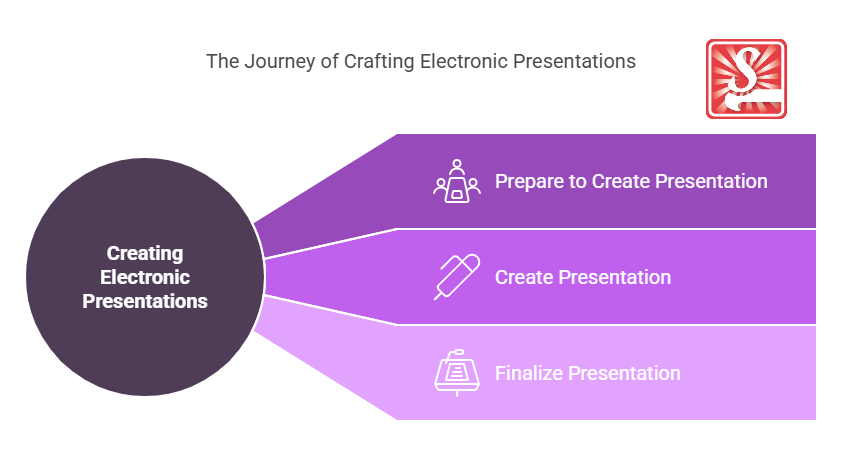
Task requirements for electronic presentations integrate with business activities by facilitating effective communication, supporting brand messaging, and enhancing training sessions. They ensure consistency in corporate presentations, thereby aligning with marketing strategies, sales pitches, stakeholder engagement efforts, and internal communications.
Where can the student go to find out more information about creating electronic presentations?
What job roles would be knowledgeable about task requirements when creating electronic presentations?
Roles that typically require expertise in creating electronic presentations include:
- Marketing Specialists
- Corporate Trainers
- Business Analysts
- Communications Officers
- Project Managers
What are task requirements when creating electronic presentations like in relation to sports, family, or schools?

In sports, electronic presentations are like game plans that guide the team towards victory through strategic visuals and information. In a family setting, they can resemble a well-structured family meeting, ensuring everyone is on the same page. Within schools, they parallel lesson plans, where teachers use slides to convey key concepts effectively to students, facilitating learning and retention.
(The first edition of this post was generated by AI to provide affordable education and insights to a learner-hungry world. The author will edit, endorse, and update it with additional rich learning content.)
- About the Author
- More info

Workskill training for all

 Post Tagged with