
Enhancing Your Presentation Materials
Posted by SkillMaker in Jan, 2025
What is a concise description of presentation materials when creating electronic presentations?

Presentation materials in the context of electronic presentations refer to the various visual and textual components that facilitate effective communication of ideas. They include slides, graphics, charts, multimedia elements, and accompanying notes used to enhance understanding and engagement. These materials are crafted to support the oral delivery of a presenter’s message.
Why do people in enterprises need presentation materials when creating electronic presentations?
In enterprises, presentation materials are crucial for engaging audiences, conveying complex information clearly, and reinforcing key messages. They serve to illustrate data, highlight trends, and maintain audience attention during business meetings, training sessions, and client pitches. Quality presentation materials can enhance professionalism, facilitate decision-making, and strengthen business proposals.
“Effective presentation materials transform ideas into visual stories, driving comprehension and engagement in business settings.”
What are the key components or elements of presentation materials when creating electronic presentations?
Key components of presentation materials include:
- Slide Decks: Organised series of slides with structured content.
- Graphics and Images: Visual elements used to illustrate points.
- Charts and Graphs: Data visualisation tools that simplify complex information.
- Multimedia Elements: Videos, animations, and audio to enrich presentations.
- Speaker Notes: Cue cards for presenters to guide their delivery.
What key terms, with descriptions, relate to presentation materials when creating electronic presentations?

Registered Trademark®
- Slide Transition: Visual effects used when moving from one slide to another.
- Slide Layout: Arrangement of text and images on a slide.
- Theme: A predefined set of design elements, including colour schemes and fonts.
- Embedding: Integrating multimedia elements, such as videos, directly into a presentation.
- Infographic: A visual representation of information designed for quick comprehension.
Who is typically engaged with operating or implementing presentation materials when creating electronic presentations?
Professionals engaged in creating electronic presentations typically include administrative staff, marketing teams, project managers, corporate trainers, and executives. These roles leverage presentation materials to communicate effectively, support strategic goals, and promote company initiatives both internally and externally.
How do presentation materials align or integrate with other components of Businesses in Australia?
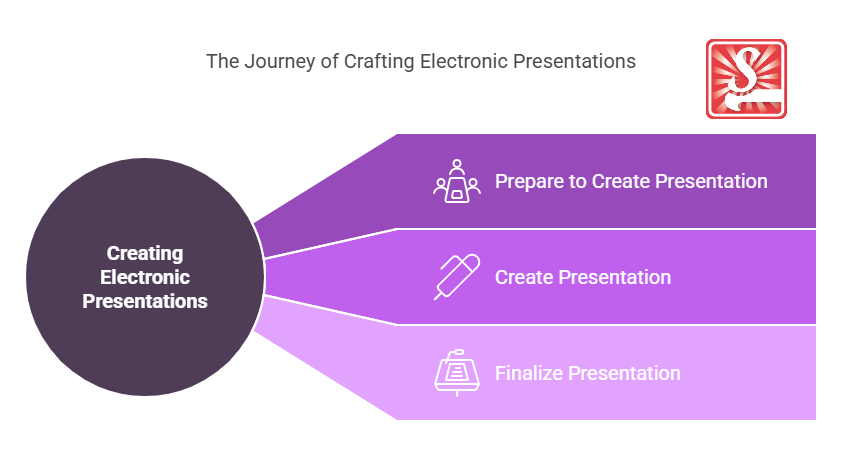
Presentation materials are integral to areas like marketing, sales, and education in businesses. They align with marketing strategies by providing engaging content for campaigns. In sales, they support product demonstrations and proposals. Educational contexts utilise them for training and development, aligning with organisational learning objectives.
Where can the student go to find out more information about presentation materials when creating electronic presentations?
- Harvard Business Review articles on presentation skills
- Presentation Zen
- Canva Design School
- Skillmaker
What job roles would be knowledgeable about presentation materials when creating electronic presentations?
Roles include:
- Marketing Coordinators
- Sales Representatives
- Corporate Trainers
- Administrators
- Communications Officers
What are presentation materials like when creating electronic presentations in relation to sports, family, or schools?

In sports, presentation materials are similar to a coach’s playbook, guiding athletes through strategies with visuals and instructions. For families, they resemble photo albums that convey family stories visually. In schools, they function like textbooks, providing structured and visual content to facilitate learning and comprehension.
(The first edition of this post was generated by AI to provide affordable education and insights to a learner-hungry world. The author will edit, endorse, and update it with additional rich learning content.)
- About the Author
- More info

Workskill training for all

 Post Tagged with