
Effective Presentation Styles in Creating Electronic Presentations
Posted by SkillMaker in Jan, 2025
What is a concise description of presentation style in creating electronic presentations?

Presentation style in creating electronic presentations refers to the method and manner one employs to design and deliver content effectively to the audience. It encompasses visual design, narrative structure, and delivery techniques that enhance understanding and retention.
Why do people in enterprises need presentation styles when creating electronic presentations?
Enterprises require effective presentation styles to clearly communicate ideas, strategies, and data to diverse audiences. A well-crafted presentation can influence decision-making, inspire action, and establish professional credibility, which is crucial for stakeholders and clients alike.
“A strong presentation style transforms digital content into compelling experiences that captivate and inform audiences.”
What are the key components or elements of presentation style in creating electronic presentations?
Key components of presentation style include:
- Visual Design: Utilises graphics, images, and colours to enhance the appeal.
- Storytelling: Crafting a compelling narrative to convey the message.
- Clarity and Simplicity: Ensuring content is concise and easily understood.
- Engagement Techniques: Interactive elements to keep the audience engaged.
- Consistent Formatting: Uniform slides and typography for a professional look.
What key terms, with descriptions, relate to presentation style in creating electronic presentations?

Registered Trademark®
- Slide Deck: A collection of slides used in a presentation.
- Typography: Style and appearance of printed text.
- Animations: Motion effects applied to elements within slides.
- Templates: Pre-designed slide layouts.
- Transitions: Effects that move from one slide to the next.
Who is typically engaged with operating or implementing presentation styles in electronic presentations?
Graphic designers, corporate trainers, marketing professionals, and business executives are typically engaged in developing and implementing effective presentation styles. They are responsible for creating presentations that are visually appealing and convey the intended message with clarity.
How does presentation style align or integrate with other components of Businesses in Australia?
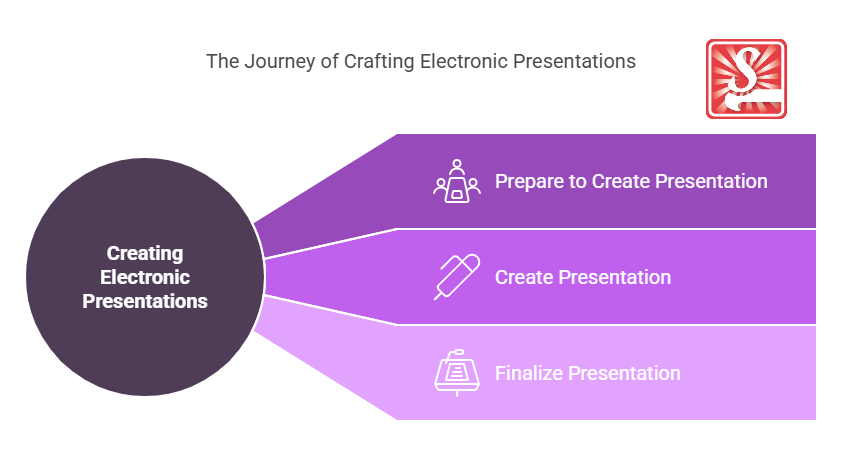
Presentation style is integral to various business functions, including marketing, training, executive communications, and stakeholder engagement. It aligns with branding efforts to ensure consistency and professionalism, and supports strategic goals by fostering clear communication and decision-making processes within an organisation.
Where can the student go to find out more information about presentation styles in electronic presentations?
What job roles would be knowledgeable about presentation styles in electronic presentations?
Roles include:
- Corporate Trainers
- Graphic Designers
- Marketing Specialists
- Business Consultants
- Sales Executives
What is presentation style in electronic presentations like in relation to sports, family, or schools?

In sports, an effective presentation style is similar to a coach delivering a strategy with clarity and motivation. For family, it’s akin to communicating effectively during gatherings or discussions to ensure everyone is on the same page. In schools, it mirrors teachers engaging students through interactive and visually appealing lectures or workshops.
(The first edition of this post was generated by AI to provide affordable education and insights to a learner-hungry world. The author will edit, endorse, and update it with additional rich learning content.)
- About the Author
- More info

Workskill training for all

 Post Tagged with