
Effective Presentation Emphasis in Electronic Presentations
Posted by SkillMaker in Jan, 2025
What is a concise description of presentation emphasis in electronic presentations?

Presentation emphasis in electronic presentations is the strategic use of visual and verbal elements to draw attention to key messages and ideas, ensuring audiences focus on the most important parts of the presentation. This involves the use of colour, font, graphics, and timing to effectively communicate and engage stakeholders in a business context.
Why do people in enterprises need presentation emphasis in electronic presentations?
In enterprises, effective presentation emphasis is crucial as it ensures clarity and impact, helping to communicate complex information succinctly. This focus aids decision-makers and stakeholders in understanding and retaining key messages, leading to more informed decision-making, collaboration, and alignment within the organisation.
“Strategic emphasis in presentations is essential for capturing attention, enhancing engagement, and ensuring the retention of critical business information.”
What are the key components or elements of presentation emphasis in electronic presentations?
Key components of presentation emphasis in electronic presentations include:
- Visual Hierarchy: Using size, colour, and placement to guide the viewer’s eye.
- Consistent Design: Maintaining a cohesive look throughout the presentation.
- Use of Graphics: Supporting text with relevant images and charts.
- Engaging Typography: Selecting fonts and layout that enhance readability.
- Controlled Animation: Applying animations to reveal content with timing precision.
What key terms, with descriptions, relate to presentation emphasis in electronic presentations?

Registered Trademark®
- Slide Master: A tool for ensuring consistency in design across slides.
- Contrast: The difference in visual properties to create emphasis.
- Alignment: The arrangement of elements to enhance structure and clarity.
- Colour Scheme: The selection of colours used for visual appeal and emphasis.
- Transitions: Visual effects that occur when moving from one slide to another.
Who is typically engaged with operating or implementing presentation emphasis in electronic presentations?
Roles such as business analysts, marketing professionals, graphic designers, and project managers are typically responsible for implementing presentation emphasis. These professionals possess the skills to create visually appealing presentations that effectively communicate the intended message to the audience.
How does presentation emphasis in electronic presentations align or integrate with other components of Businesses in Australia?
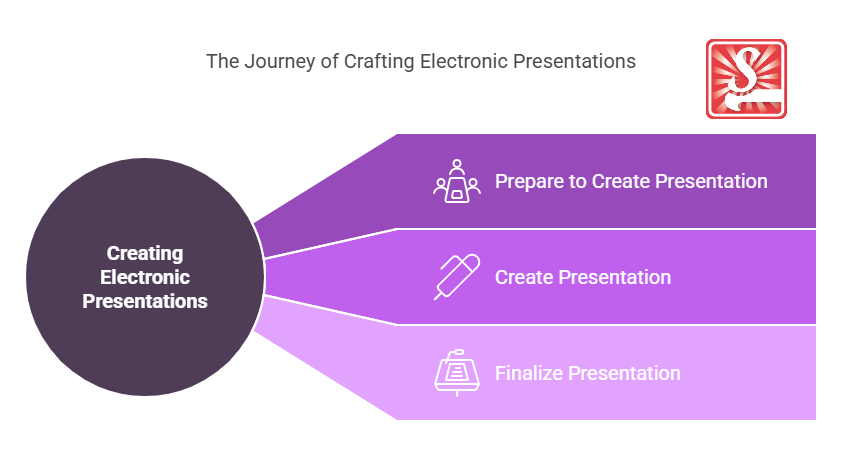
Presentation emphasis plays a pivotal role in marketing efforts, training, and corporate communication within Australian businesses. It aligns with strategic planning by ensuring that vital information is conveyed powerfully and aligns with the company’s goals, promoting consistency and professionalism.
Where can the student go to find out more information about presentation emphasis in electronic presentations?
- Presentation Guru for design and delivery tips
- Canva Design School for visual design education
- eLearning Industry for insights on digital presentations
- Skillmaker
What job roles would be knowledgeable about presentation emphasis in electronic presentations?
Roles include:
- Marketing Specialists
- Graphic Designers
- Project Managers
- Corporate Trainers
- Business Analysts
What is presentation emphasis in electronic presentations like in relation to sports, family, or schools?

In sports, presentation emphasis resembles strategy and play execution, with each play designed to capture attention and achieve goals. For families, it’s akin to organising events where highlights of the family story are presented compellingly. In schools, it parallels a teacher’s method of making lessons engaging and memorable through key points and engaging media.
(The first edition of this post was generated by AI to provide affordable education and insights to a learner-hungry world. The author will edit, endorse, and update it with additional rich learning content.)
- About the Author
- More info

Workskill training for all

 Post Tagged with