
Application Features Essential for Creating Electronic Presentations
Posted by SkillMaker in Jan, 2025
What defines application features in electronic presentation creation?

Application features in electronic presentation creation refer to the suite of tools and functionalities that software offers to aid users in designing, constructing, and delivering dynamic presentations. These features include design templates, multimedia support, transitions, animations, and collaboration options, which facilitate the crafting of engaging and effective presentations.
Why are application features important for enterprises creating electronic presentations?
In enterprises, utilizing application features efficiently allows for the creation of visually appealing and polished presentations that communicate information effectively. These features support businesses in showcasing ideas, products, or strategies convincingly, ultimately enhancing communication with stakeholders and aiding in decision-making processes.
“Application features in presentation tools empower users to craft impactful narratives, enhancing engagement and understanding.”
What are the key elements or features in electronic presentation applications?
Key features in presentation creation applications include:
- Templates and Themes: Pre-designed slide layouts that enhance styling consistency.
- Multimedia Integration: Capability to embed images, audio, and video.
- Transitions and Animations: Visual effects for slide changes and element movement.
- Collaboration Tools: Features enabling multiple users to work together in real-time.
- Presentation Modes: Options for full-screen, presenter view, and sharing.
What key terms, with descriptions, relate to application features in electronic presentations?

Registered Trademark®
- Slide Master: A feature that allows the uniform setting of design elements for all slides.
- Media Embedding: Adding multimedia elements directly into the presentation file.
- Interactivity: Elements like hyperlinks and buttons that engage viewers.
- Custom Animations: Tailored effects for individual slide elements.
- Share and Export Options: Different formats for saving and distributing presentations (e.g., PDF, video).
Who typically engages with creating and presenting electronic applications?
Roles typically involved in creating electronic presentations include marketing professionals, business analysts, training coordinators, project managers, and educators. These individuals use presentation tools to communicate ideas, deliver information, or provide instruction in a visually digestible format.
How do application features integrate with broader business functions in Australia?
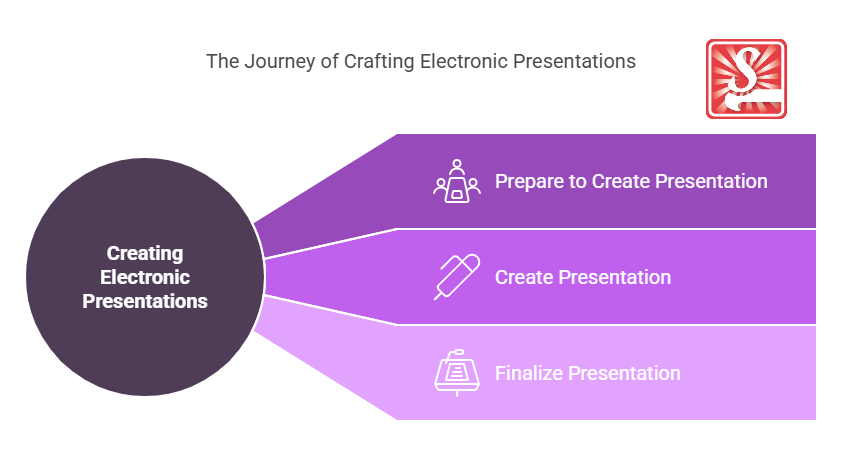
The features of presentation applications align with broader business functions by supporting marketing campaigns, sales pitches, training modules, and stakeholder meetings. They enable clear communication, foster collaboration, and contribute to strategic presentations that can impact business decisions and outcomes.
Where can students find out more about features in electronic presentation applications?
What job roles would be knowledgeable about application features in electronic presentations?
Individuals in roles such as:
- Marketing Coordinators
- Corporate Trainers
- Sales Representatives
- Information Technology Advisors
- Project Managers
How are application features in electronic presentations similar to sports, family, or school activities?

In sports, similar to presentation features, strategic planning and team coordination play a crucial role in achieving goals.
In family, it’s akin to organising events and communicating schedules effectively.
Within schools, it mirrors educating methods utilising visual aids to enhance understanding and retention of information.
(The first edition of this post was generated by AI to provide affordable education and insights to a learner-hungry world. The author will edit, endorse, and update it with additional rich learning content.)
- About the Author
- More info

Workskill training for all

 Post Tagged with