
Layout Consistency When Creating Electronic Presentations
Posted by SkillMaker in Jan, 2025
What is a concise description of layout consistency in electronic presentations?

Layout consistency in electronic presentations refers to the uniform application of design elements such as fonts, colours, and slide formats throughout a presentation. This ensures a cohesive look and enhances the audience’s comprehension, making it easier to follow the content without distractions caused by varied layouts.
Why do people in enterprises need layout consistency in electronic presentations?
In enterprises, maintaining layout consistency in electronic presentations is crucial for professionalism and brand identity. It aids in delivering clear and impactful messages, promotes brand recognition, and provides a reliable format for audiences to understand and engage with the content effectively. This consistency can also streamline the presentation creation process, saving time and resources.
“Consistency in layout engages audiences, reinforces brand identity, and ensures clarity and professionalism.”
What are the key components or elements of layout consistency in electronic presentations?
Key components of layout consistency in electronic presentations include:
- Template Usage: Use of pre-defined slide templates for uniformity.
- Font Selection: Consistent font styles and sizes across all slides.
- Colour Schemes: A limited palette that aligns with the brand’s colours.
- Alignment and Spacing: Even and balanced placement of text and images.
- Bullet and Heading Styles: Uniform use of bullets and headings for hierarchy.
What key terms, with descriptions, relate to layout consistency in electronic presentations?

Registered Trademark®
- Slide Master: A tool in presentation software that manages the template settings for slides.
- Typography: The style and appearance of text used throughout the presentation.
- Visual Hierarchy: Organising content to lead the audience through the information efficiently.
- Theme: A preset package containing coordinated fonts, colours, and effects that enhance consistency.
- Branding: The use of specific identity elements to reinforce a company’s image.
Who is typically engaged with operating or implementing layout consistency in electronic presentations?
Graphic designers, marketing professionals, presentation specialists, and corporate communication teams are key roles responsible for implementing layout consistency in electronic presentations. They ensure that presentations are visually coherent and effectively convey the intended message.
How does layout consistency in electronic presentations align or integrate with other components of Businesses in Australia?
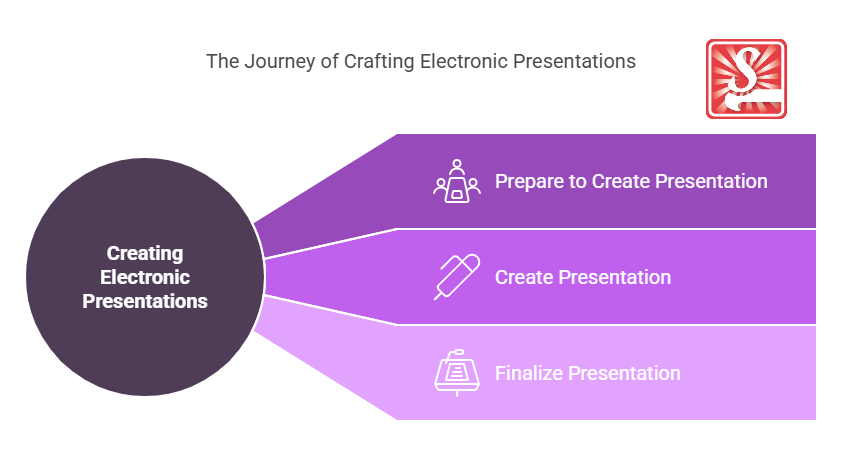
Layout consistency in electronic presentations ties in closely with branding and marketing strategies. It supports the coherent delivery of corporate communications and training programmes and enhances customer experiences by maintaining a unified brand voice across all visual materials. This synergy ensures that messages are consistently reinforced and aligned with business objectives and values.
Where can the student go to find out more information about layout consistency in electronic presentations?
- Canva’s design school offers courses on visual consistency
- Microsoft PowerPoint resources
- Adobe design resources
- Skillmaker
What job roles would be knowledgeable about layout consistency in electronic presentations?
Roles include:
- Graphic Designers
- Presentation Designers
- Marketing Specialists
- Corporate Communication Officers
- Brand Managers
What is layout consistency in electronic presentations like in relation to sports, family, or schools?

Layout consistency in electronic presentations can be compared to a sports team consistently employing a well-practised strategy that leads to better performance outcomes.
In a family setting, it resembles keeping a consistent schedule, which helps maintain harmony and organisation.
In schools, it parallels having a standardised curriculum that ensures all students receive a consistently high-quality education.
(The first edition of this post was generated by AI to provide affordable education and insights to a learner-hungry world. The author will edit, endorse, and update it with additional rich learning content.)
- About the Author
- More info

Workskill training for all

 Post Tagged with